The Google Gemini CLI brings AI-powered capabilities directly to your terminal — letting you scaffold full-stack projects, generate code, and automate repetitive tasks without leaving the command line.
Installation
Ensure you have Node.js ≥ 18 installed, then:
# Run without installing
npx https://github.com/google-gemini/gemini-cli

# Or install globally
npm install -g @google/gemini-cli
🔐 Authentication
Choose one of three methods:
❍ Login with Google
● Gemini API Key (AI Studio)
❍ Vertex AI
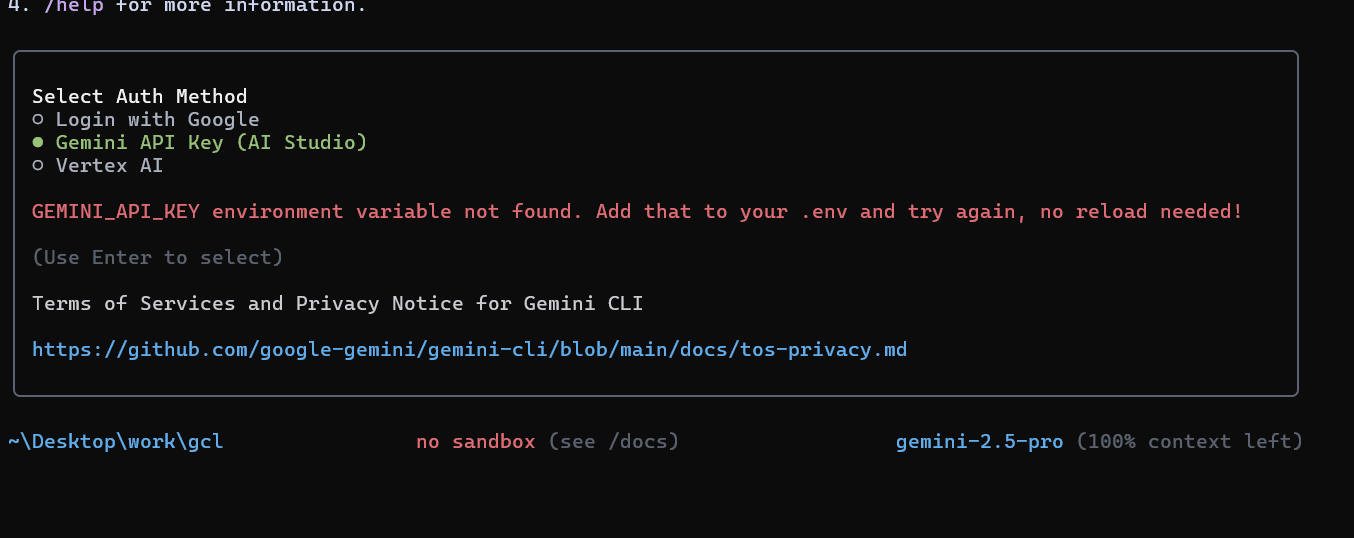 Authentication prompt for Gemini CLI
Add GEMINI_API_KEY to your .env (no reload needed), or follow the on-screen guide to log in.
✨ Quick Example
Create a Python FastAPI calculator project:
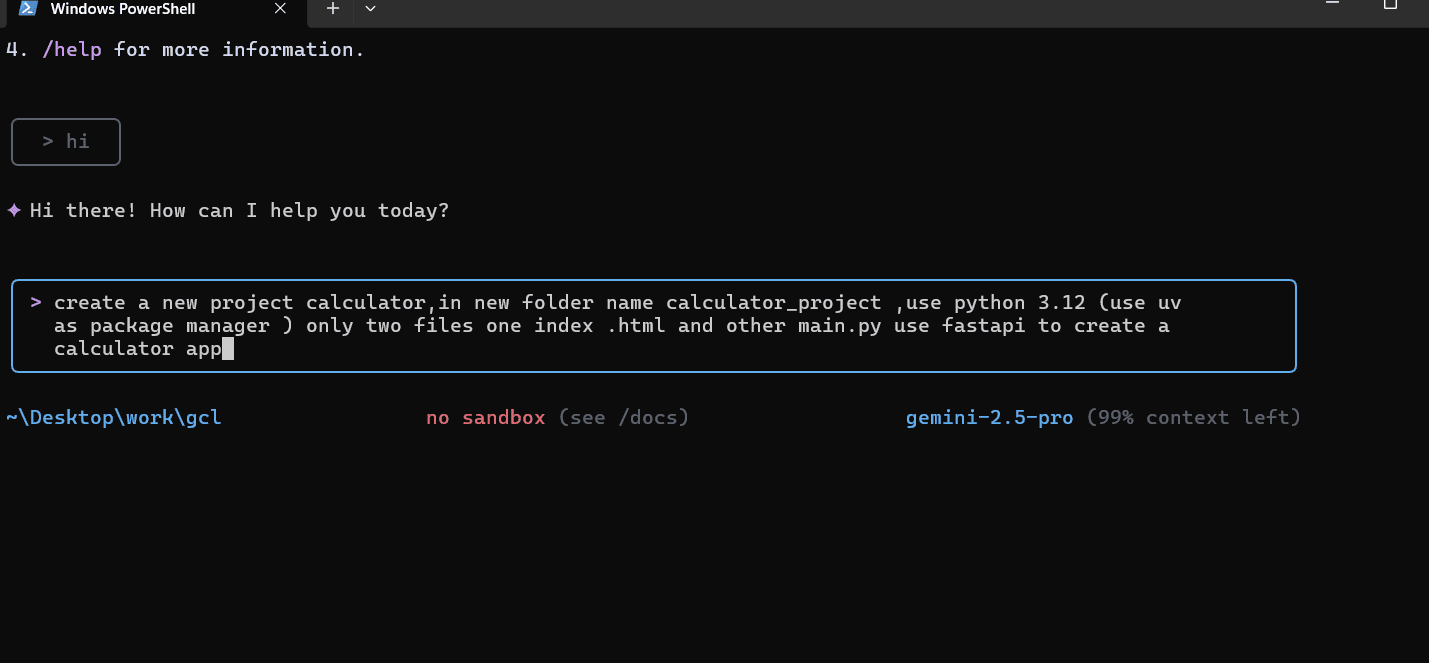 CLI prompt asking for project description
After confirming, Gemini CLI scaffolds the entire project — directory structure, files, and dependencies — in seconds.
Key Commands
# Scaffold a project from a description
gemini create "a FastAPI calculator with add, subtract, multiply, divide"

# Ask questions about your codebase
gemini ask "explain what this function does"

# Generate a specific file
gemini generate "a React component for a contact form with validation"

# Run in interactive mode
gemini chat
Why It's Useful
- Zero context switching — stay in the terminal, get AI help without opening a browser
- Codebase-aware — reads your project files to give contextually relevant suggestions
- Open source — inspect, modify, and contribute to the CLI itself
Scaffold full-stack apps with a single command. Try Gemini CLI today to accelerate your development workflow.